Hey Guest!
twas_brillig
Jedi Knight
Offline
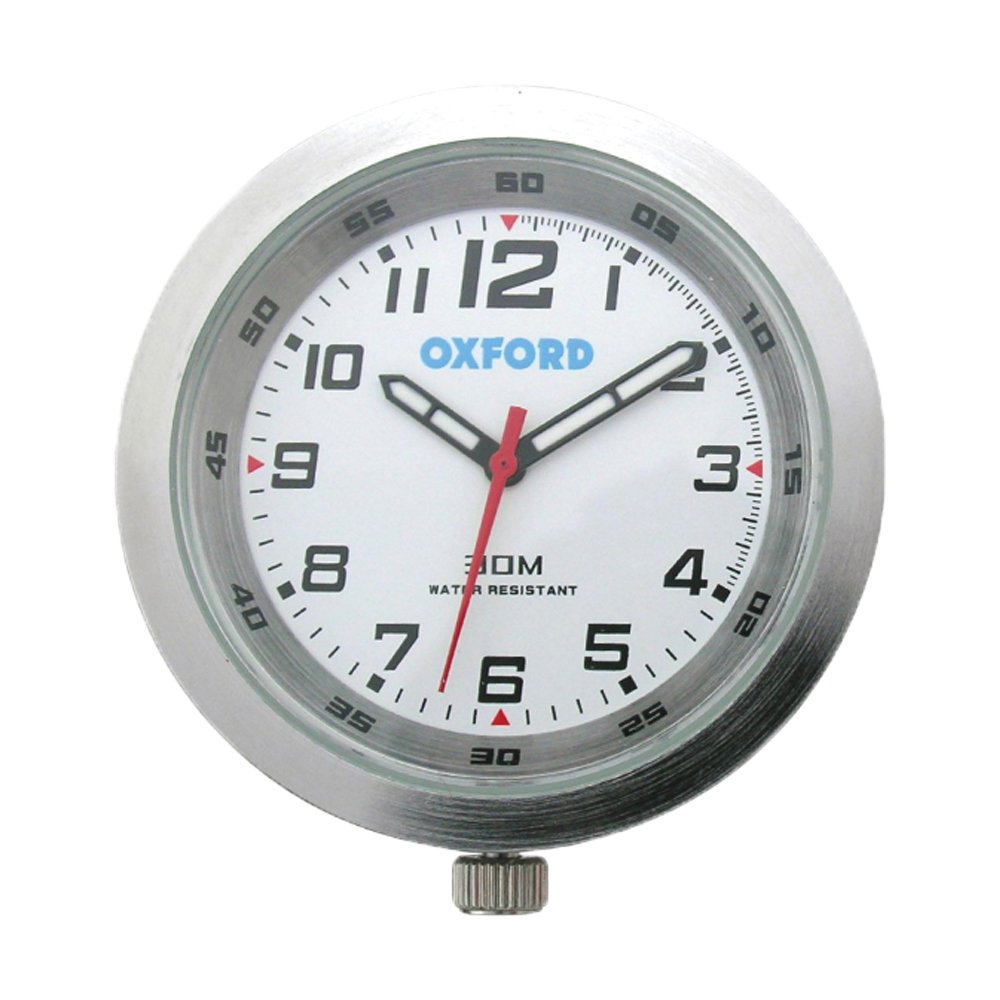
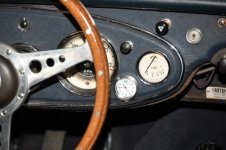
We're running the Toyota 5 speed in our MK II BJ7, so the o/d switch is redundant, and I like having a clock on the dash. We removed the o/d switch and zip-tied it up behind the dash and mounted a battery driven analog Oxford clock normally sold for motorcycles etc. (see https://www.oxfordproducts.com/moto...ling/oxford_clock_silver_case_and_white_face/
It's a white face, silver trim, they also have a black face/black trim and a white face/titanium trim version. Two mounting options are provided, but we basically used a stack of washers. There's no need to modify the dash (unless you want to shift the clock over a bit to make it more centred). We've had one in our dune buggy for over a year (same battery) and have been very satisfied with it.
It's a white face, silver trim, they also have a black face/black trim and a white face/titanium trim version. Two mounting options are provided, but we basically used a stack of washers. There's no need to modify the dash (unless you want to shift the clock over a bit to make it more centred). We've had one in our dune buggy for over a year (same battery) and have been very satisfied with it.