• Hey Guest!
    British Car Forum has been supporting enthusiasts for over 25 years by providing a great place to share our love for British cars. You can support our efforts by upgrading your membership for less than the dues of most car clubs. There are some perks with a member upgrade!

    **Upgrade Now**
    (PS: Upgraded members don't see this banner, nor will you see the Google ads that appear on the site.)
Tips
Tips

TR4/4A Posting Photos?

mtlman8

Jedi Trainee
Country flag
Offline
I've been gone for a while, and I''m glad to be back! Question... How do you post pics on the new format? thanks in advance!
 
I still just post my pics to my photobucket account and then just past the image link into the body of my post, there is a way to upload pics too, and I know a lot of people do it that way, but I have never tried it DSCN0094.jpg Until now, click on the icon that looks like a square couple icons over from the smiley one on the quick reply toolbar, browse your files, pick the one you want, click on "upload files" in the box, wait for it to load and away you go.
 
Ditto on Photobucket. As noted, you can upload directly to BCF, but unless you are a paid member, it is very limited. The most aggravating part, to me, is that it now has a cumulative limit so I have go to back and delete photos from older posts in order to place them in newer posts.

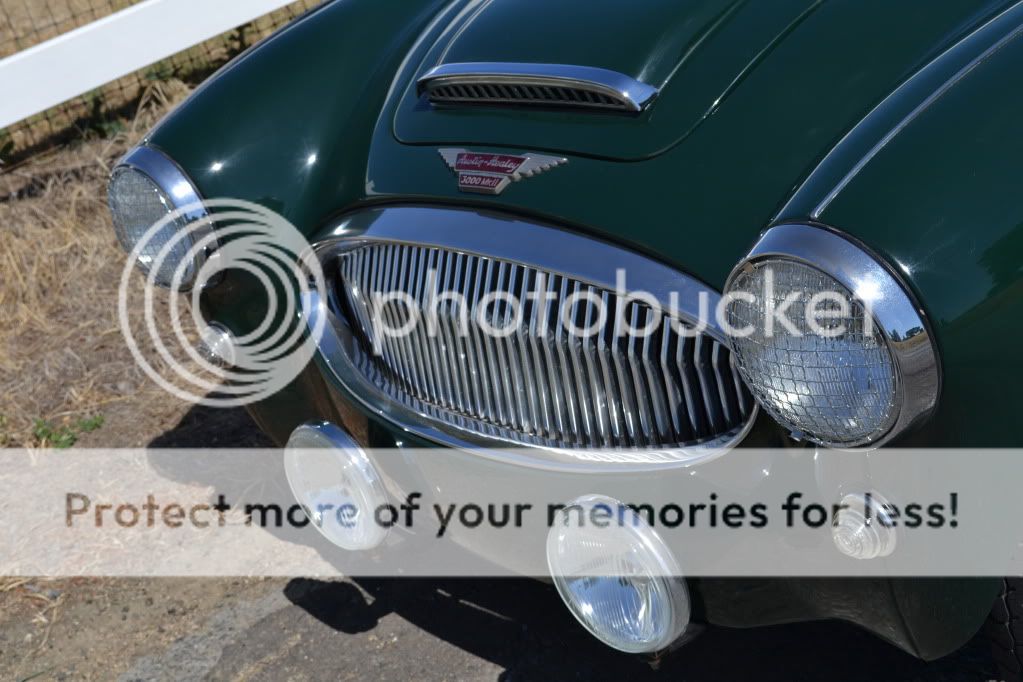
When you paste the link from PB, it will appear to you just as a bunch of text. But after you click 'post', it will (hopefully) turn into the photo. So, for example, I see this

{IMG]https://i258.photobucket.com/albums/hh260/TR3driver/134118072.jpg~original[/IMG]

But get this (This isn't my car, but I wish it was) :
134118072.jpg~original
 
Back
Top