• Hey Guest!
    British Car Forum has been supporting enthusiasts for over 25 years by providing a great place to share our love for British cars. You can support our efforts by upgrading your membership for less than the dues of most car clubs. There are some perks with a member upgrade!

    **Upgrade Now**
    (PS: Upgraded members don't see this banner, nor will you see the Google ads that appear on the site.)
Tips
Tips

pictures

69tr

Jedi Trainee
Offline
I know some of you guys are tired of hearing this question but I am having trouble loading pictures.

I have them on photobucket but I can't get them on the forum. File manager says they are in excess of 100kb. I hate to keep asking stupid questions but how do I get them small enough to load?
 
Photobucket will auto small them. You don't load them from here via Photobucket . After they are there you you put your curser over the pic. A dropdown box shows. You click the IMG line then you right click it and hit copy. THEN you paste iton the post.
Works every time. well almost
 
I might just be easier to hover over the picture, copy the url that then shows and then past that in between a


You put the link you copied intbetween the /[img].
 
Tom- that only works if the photo is "published" somewhere on the web. If it's in your Pictures or a file on the computer, no luck.
 
I don't get it. I downloaded the resizer, I tried to follow the instructions on photo bucket. I could not find a way to resize the pictures in photobucket. I am not completely computer illiterate but I can not seem to get this done.

I posted the before pictures a couple of years ago but I am having a real problem with this.

I might just send everyone a post card.

Pete
 
Pete,

Resize them to "Medium" before you upload them to Photobucket. You can select as many as you want and then choose the Resizer and do them all at once.
 
When I open my photobucket account the resize feature is under the edit tab located above every photo in the album. If I hover the mouse over the photo, four different code selections pop up. The code on the bottom is an IMG. Click on that code to highlight it than right click it and copy and paste into the forum reply box.

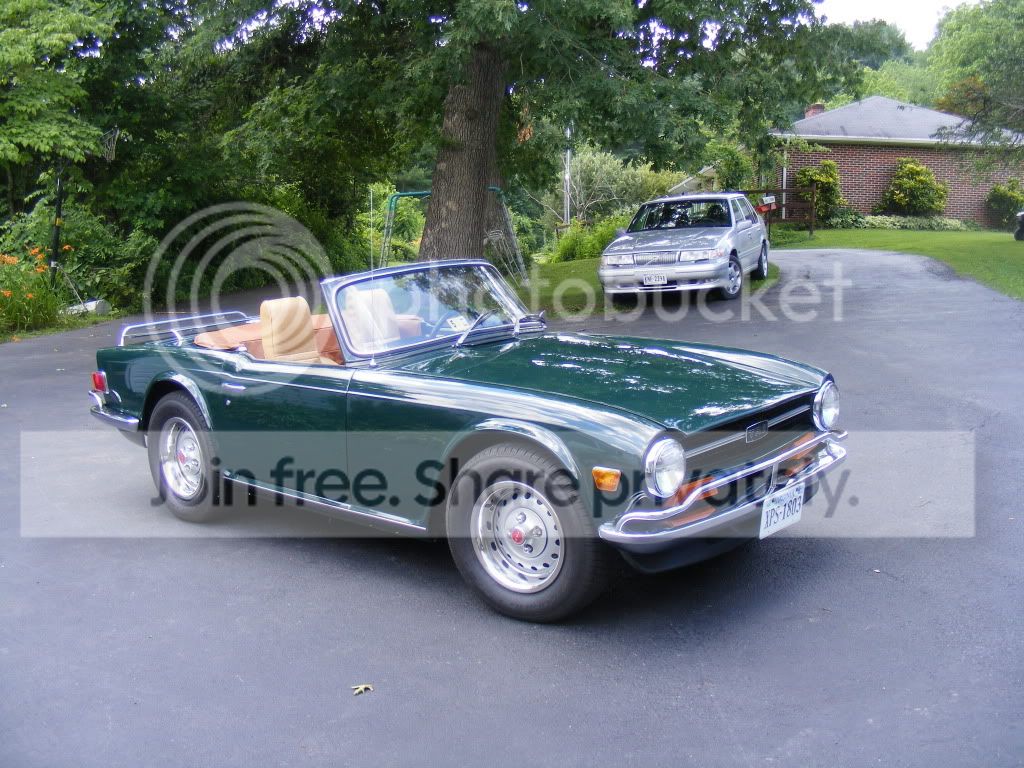
Which is exactly what I did to post this photo.

P6280122.jpg
 
69tr said:
I have them on photobucket but I can't get them on the forum. File manager says they are in excess of 100kb.
I'm not sure if this is clear from the replies above. After they are posted on Photobucket, you should link to them from your post, rather than copying them onto Basil's server with File Manager. With a link, the picture can be as big as you want.

As noted, when you are looking at your Photobucket page and let the mouse icon hover over a photo, you should see a drop-down list with 4 lines. If you go to the line that says "IMG Code", click on the code and press Ctl-C, it will copy the link to your clipboard. Then in your BCF post, just press Ctl-V to insert the link. Like so:
DSCF0013.jpg
 
Randall- I stated that in my second post.

And you <span style="font-size: 23pt">DON"T</span> need to resize them for photobucket it does it automatically!!!!!
 
No offense intended, Don, I just wanted to be sure the point was clear.

And while you are quite right about Photobucket resizing them, it doesn't necessarily size them small enough to load onto BCF. Which is yet another reason that it's good to link to PB rather than loading onto BCF.
 
Randle- Offense not taken, just makin a point.
I have NEVER had a photo not sized correctly for the forum. All my pics are auto done.
 
Back
Top