

-
 Hey Guest!
British Car Forum has been supporting enthusiasts for over 25 years by providing a great place to share our love for British cars. You can support our efforts by upgrading your membership for less than the dues of most car clubs. There are some perks with a member upgrade!**Upgrade Now**
(PS: Upgraded members don't see this banner, nor will you see the Google ads that appear on the site.)
You are using an out of date browser. It may not display this or other websites correctly.
You should upgrade or use an alternative browser.
You should upgrade or use an alternative browser.
Surprise snow
- Thread starter pdplot
- Start date
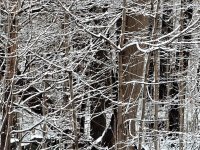
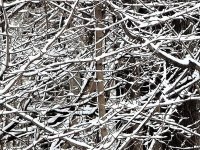
How is that done?You could just resize instead of crop.

Online
How is that done?
There are probably lots of ways to do it. I don't know if you have Windows 10, but if you do, here is a pretty slick and fast way to resize pictures:
https://youtu.be/Owe6AbjQycQ
In Windows you can also open an image in MS Paint, for example, and that progream wil allow you to resize.
If you are using an iMac (Apple) then you would open the image in Preview and select "Image" in the menu, the select "Resize"
Depending on what operating system you have and what programs you have available - just do a search on YouTube - there are tons of tutorials on how to resize images. Many ways to skin that cat.


Offline
Speaking of snow, shouldn't the forum snowfall be happening pretty soon?


Offline
Speaking of snow, shouldn't the forum snowfall be happening pretty soon?
Yes, I should be breaking Christmas lights right now.